You haven't signed in yet, you can have a better experience after signing in
*Please complete the payment within {{receiveCouponInfo.expire_at}}Previous use*
You haven't signed in yet, you can have a better experience after signing in


Activity Rules
1、Activity time:{{ info.groupon.start_at }} ~ {{ info.groupon.end_at }}。
1、Activity time:cease when sold out。
2、Validity period of the Group Buying:{{ info.groupon.expire_days * 24 }} hours。
3、Number of Group Buying:{{ info.groupon.need_count }}x。
Please Pay Attention
1、Teamwork process: Join/initiate a Group Buying and make a successful payment - Within the validity period, the number of team members meets the activity requirements - Group Buying succeeded!
2、If the number of participants cannot be met within the valid period, the group will fail, and the paid amount will be refunded in the original way.
3、The number of people required and the time of the event may vary among different products. Please pay attention to the rules of the event.

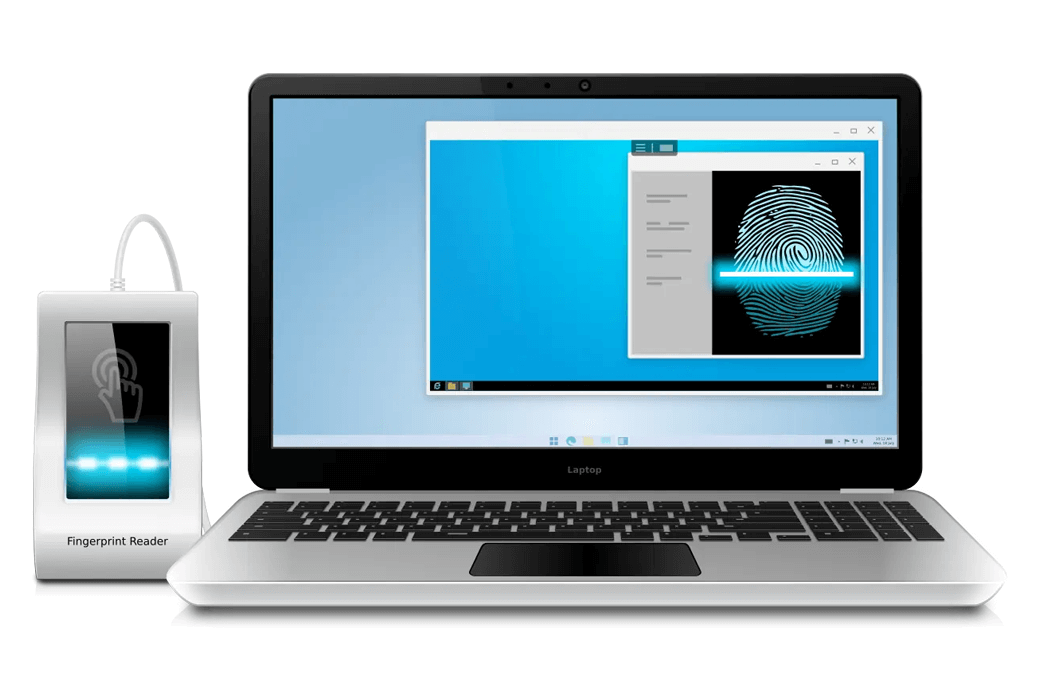
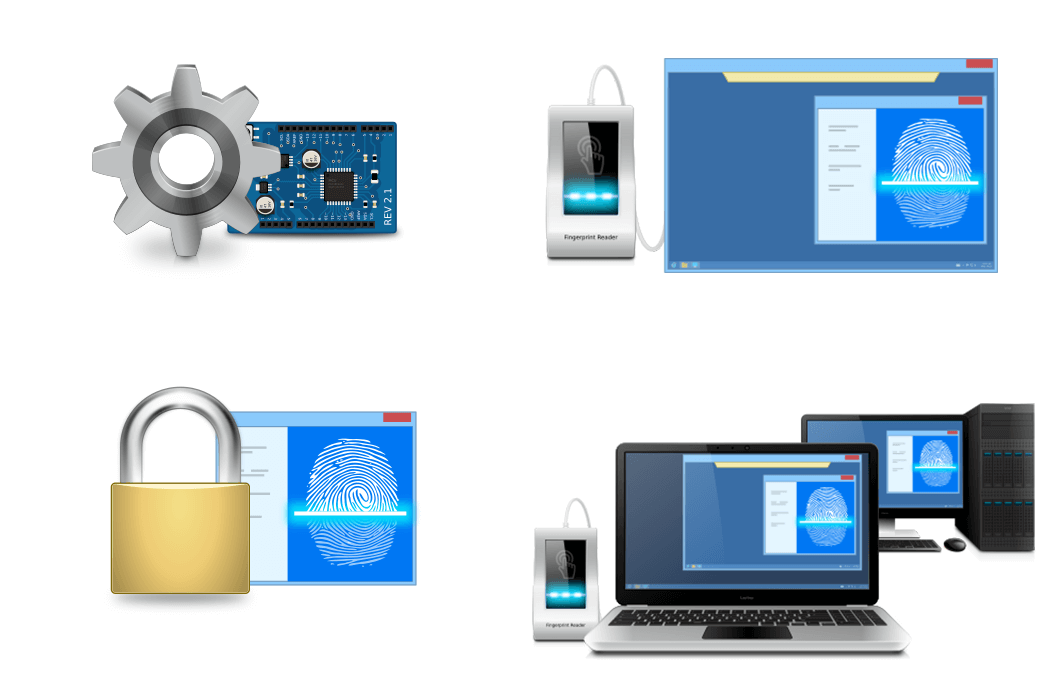
Remote desktop biometric is a reliable software solution that allows for the redirection of locally inserted biometric sensors (such as fingerprint scanners, vein scanners, or signature boards) to remote desktop sessions.
Under standard circumstances, using biometric devices in a remote desktop environment is problematic or even impossible. Usually, you must use some complex solutions.
Remote desktop biometric technology allows for redirecting biometric scanners to remote Windows sessions with just a click of the mouse.
working principle
Remote desktop biometric technology is very easy to use. The solution consists of two parts: a workstation and a server. The workstation section should be installed on the local computer, and the server section should be transferred to a remote server logged in through RDP, PCoIP, or Citrix.
After installing these two components, no additional configuration is required. Every time you log in to a remote session, the biometric device will automatically transmit. Therefore, any software that needs to initiate fingerprint or biometric sensor input in a remote desktop session can work like a scanner directly inserted into the remote end.
Unmanned driving solutions
The remote end does not require a USB device driver. This is very important because most USB biometric scanners are not designed to work in terminal server environments. Usually there are no drivers for Windows Server.
Remote desktop biometric technology can use fingerprint, single line, or other biometrics in a terminal server environment, even without a USB device driver.
security
In a multi user environment (Windows Server 2008, 2012, 2016), if multiple users log in to the remote end, each biometric scanner is isolated in its separate session, so you don't need to worry about others accessing sensitive data. Each user can only see their biometric device in remote sessions, so you don't need to scroll through other users' device lists to find your device.
Various supplier support
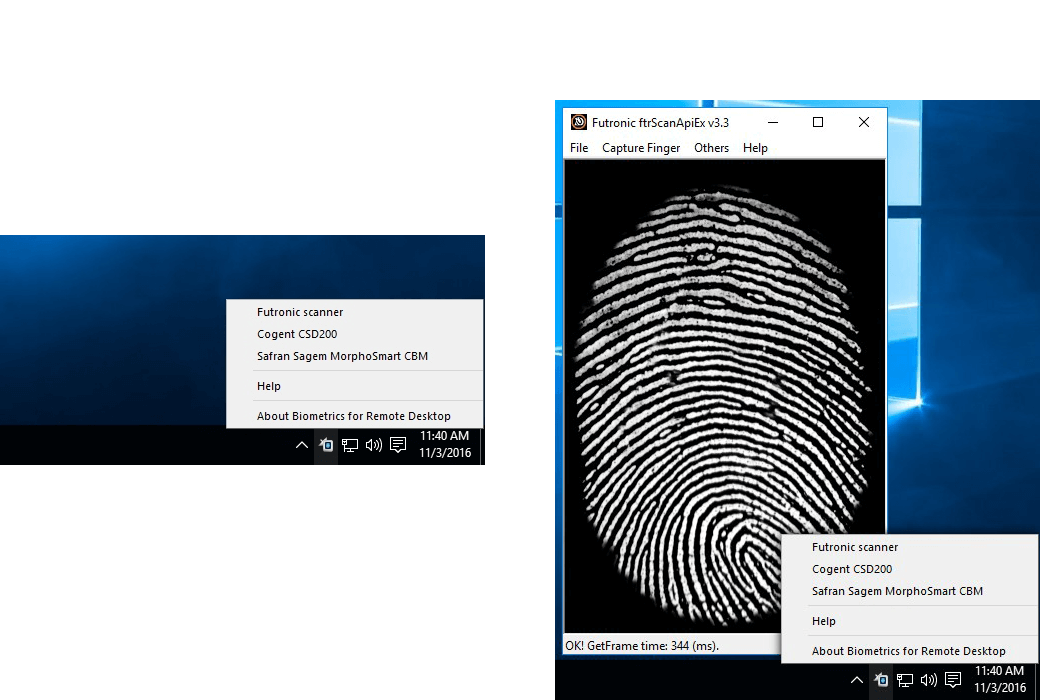
Supports the most popular biometric sensors, such as fingerprint readers, signature boards, or vein scanners. In the current version, various device lists produced by Futronic, 3M Cogent, Safran, SecuGen, Niggen, Fujitsu, and Wacom can be redirected to remote desktop sessions.
Remote Desktop Protocol
Remote desktop biometric technology supports different remote desktop protocols, including Microsoft RDP, Teradici PCoIP, and Citrix ICA. What environment to use (Remote Desktop Services, Hyper-V, Microsoft Azure, Citrix Virtual Apps and Desktops, VMware Horizon, Amazon Workspaces, etc.) is not important. Any compatible client software is used to access the remote end.
Azure Virtual Desktop Compatibility
Remote desktop biometric technology and other FabulaTech solutions are fully compatible with Azure virtual desktops and can access local biometric scanners from applications running on Windows virtual desktops.
Dual hop session support
You can connect to remote server A from the workstation. Then initiate a connection to another server A session from server B. No additional configuration is required to access the device on server B.
Official Website:https://www.fabulatech.com/biometrics-for-remote-desktop.html
Download Center:https://biometrics-for-remote-desktop.apsgo.cn
Shipping Time: processed manually online
Operating Platform: Windows, Linux
Interface Language: supports English interface display, with multiple languages available.
Update Instructions: 3-month license: supports updates and usage for 3 months. Lifetime license: after purchase, supports updates and upgrades for 1 year, after which the current version will stop updating, but this license remains valid for this version.
Trial Before Purchase: 7-day free trial.
How to Receive the Product: After purchase, activation information will be sent to the email used for ordering. You can also view the corresponding product activation code in your personal center, under "My Orders".
Number of Devices: depends on the purchased license.
Changing Computers: uninstall on the original computer and activate on the new one.
Activation Guide: to be added.
Special Instructions: to be added.
References:https://www.fabulatech.com/sales-faq.html

Any question